
Test

Sofar C&I ESS - PowerMagic
Supported Devices
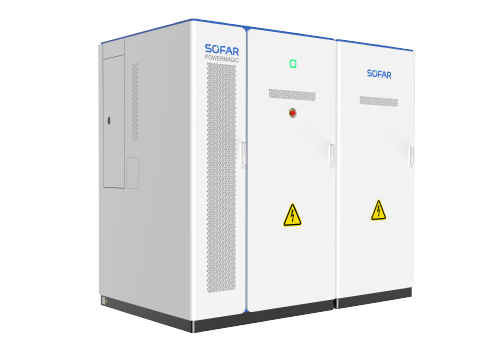
| Device Type | Manual | Modbus TCP (Ethernet) | RS485 |
|---|---|---|---|
| PowerMagic 400V C&I | Manual | ✅ | ❌ |
Warning
My Sofar PowerMagic shows a warning "Status unknown"?
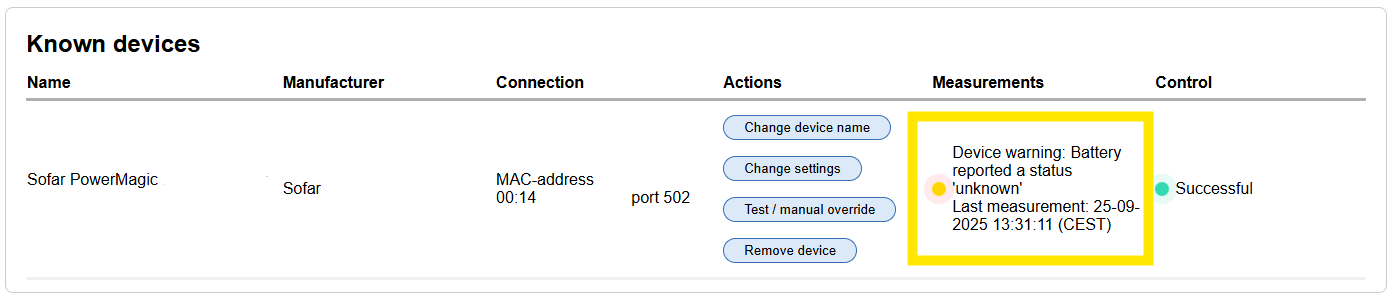
This is a known issue with some Sofar PowerMagic inverters. It does not affect the functionality of the inverter, and can be ignored. A future update from Sofar should resolve this issue.
Why does this happen? The SmartgridOne Controller reads the status of the inverter via Modbus TCP. The PowerMagic responds a code between 0 and 4 that indicates the status of the inverter. However, in some cases the PowerMagic responds with a code 5, which is not recognized by the SmartgridOne Controller and therefore shows "Status unknown".
Wiring
Ethernet
Through an ethernet cable, one end is connected to the WEB port on the BESS door board, and the other end is connected to the internet. A communication connection will be established between the BESS and the local network.
The system is powered up (see the power-on step for details) to ensure that the auxiliary power supply of the BESS is working properly (the 'power' indicator light on the door panel can be observed, and if the indicator light is on, it indicates that the auxiliary power supply is working properly). After waiting for about 1 minute:
- If the network port on your network switch indicator light flashes, it indicates that the communication between BESS and network has been established .
- If the indicator light is not on, check the network connection
The login interface of the BESS can be entered through a browser on a computer or mobile. By default, this is http://192.168.1.100. The initial user account is “user”. For the initial password of the user, please contact the Sofar customer service staff
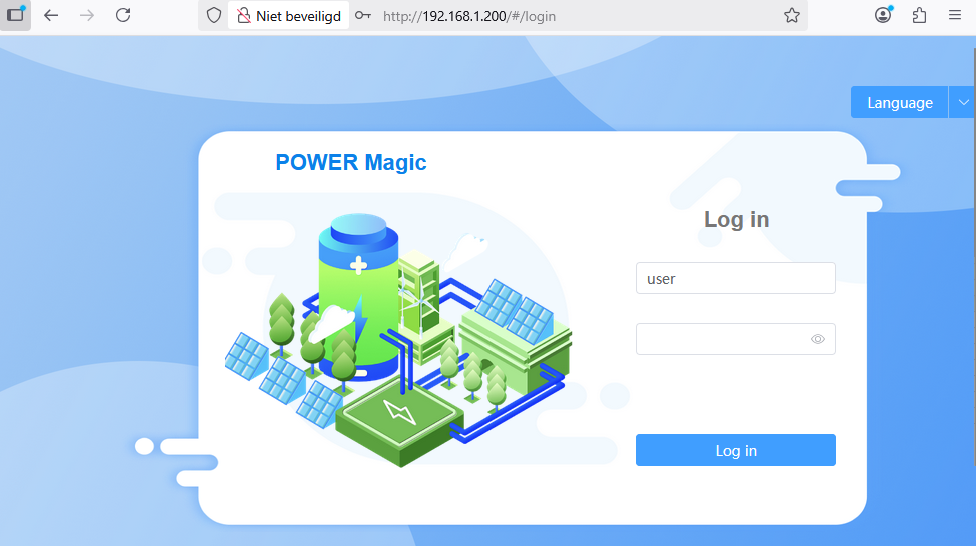
When you can reach the login interface of the BESS, it indicates that the communication between the BESS and the network has been established.
For more tips on ethernet wiring: Follow the guidelines for ethernet wiring.
Configuration
Check if the PowerMagic is online and if there are no errors. This can be done in the web interface of the PowerMagic, by looking on the topology diagram:
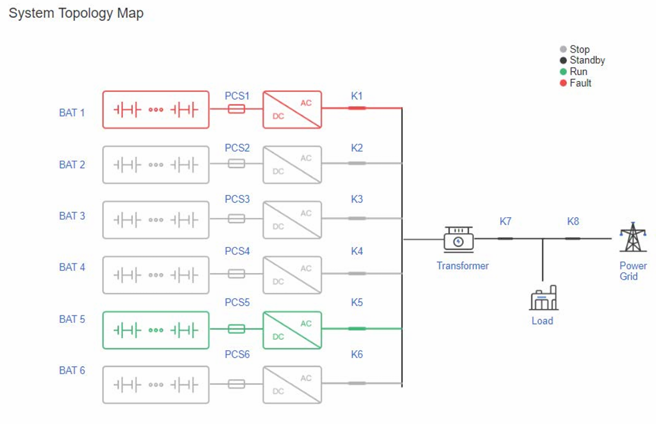
Modbus is enabled by default on the PowerMagic. The default Modbus TCP port is 502 and the default Modbus slave ID is 1. When adding the device on the SmartgridOne Controller, it will automatically scan for Sofar PowerMagic devices with the default settings.
A note on response times in standby mode
The Sofar PowerMagic has a 'Standby Mode' that it enters after a period of inactivity. We notice when sending a (dis)charge command, the PowerMagic may take up to 2 minutes to respond while in standby mode. Once the PowerMagic is active again, it leaves the standby mode and the response time is back to normal (1 second).