Supported Devices
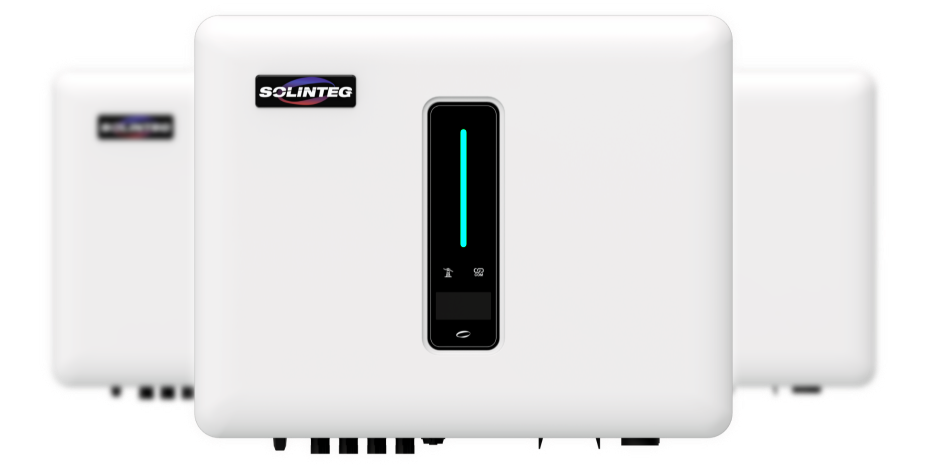
The SmartgridOne Controller supports a wide range of Solinteg inverters via Modbus TCP and Modbus RTU (RS485), because Solinteg a standardized protocol across all their inverters.
| Device Type | Modbus TCP (Ethernet) | RS485 | Curtailment |
|---|---|---|---|
| INTEG MHT-(25-50)K | ✅ | ✅ | ✅ |
| INTEG MHT-(4-20)K | |||
| Solinteg-connected grid meter | - |
Integration versions
On Controller firmware version 1.22.1.1 or higher, we offer an improved Solinteg integration:
This new version includes:
- Faster device readout and faster finding of Solinteg inverters
- Curtailment
- Option to enable battery priority mode (only for hybrid inverters with both battery and solar): when enabled, the inverter will prioritize discharging the battery before exporting solar power to the grid. This is useful when the battery participates in energy trading and you want certainty about battery power availability.
The classic version is still available and can be used when choosing the 'stable' version. When facing issues with the beta version, you can always switch back to the stable version.
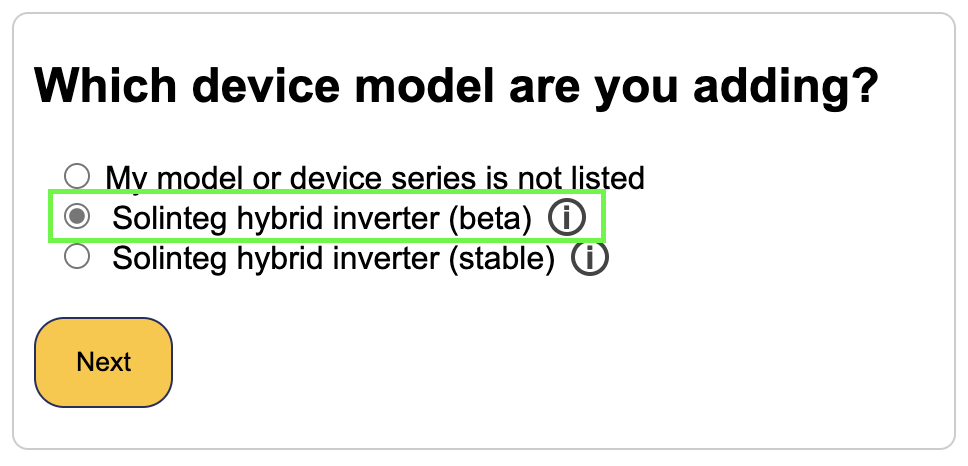
On Controller firmware version 1.22.1.0 or below, we only offer the classic version of this integration: The classic version still supports other functionality like battery control/readout, grid meter readout, solar power measurement.
Modbus RTU (RS485)
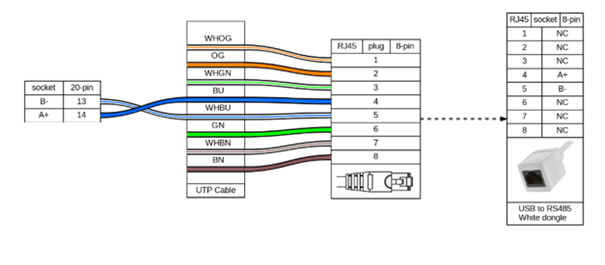
Crimp an RJ45 plug on one end of an Ethernet cable according to the T568B wiring standard. Insert the crimped RJ45 plug into the SmartgridOne Controller.
On the other end of the Ethernet cable, connect the blue/white wire to connector pin 13 and the solid blue wire to pin 14.
Finally, connect the USB end of the dongle to an available USB port on the SmartgridOne Controller.
The default modbus bus address or RTU is 247.
Modbus TCP
Modbus TCP is by default enabled on the Solinteg inverters. No additional configuration is required. The default bus address for Modbus TCP is 255. Other common bus addresses for Modbus TCP are 1, 8, 247.
Troubleshooting
My Solinteg is not found when scanning for devices
Tip
Starting from Controller firmware version 1.22.1.1, this issue should not occur anymore, as the scanning process has been optimized.
The Solinteg default bus addresses are 247 for Modbus RTU and 255 for Modbus TCP. The SmartgridOne Controller will scan for devices on all addresses from 1 to 255. Therefore, it can take a while to scan for devices.
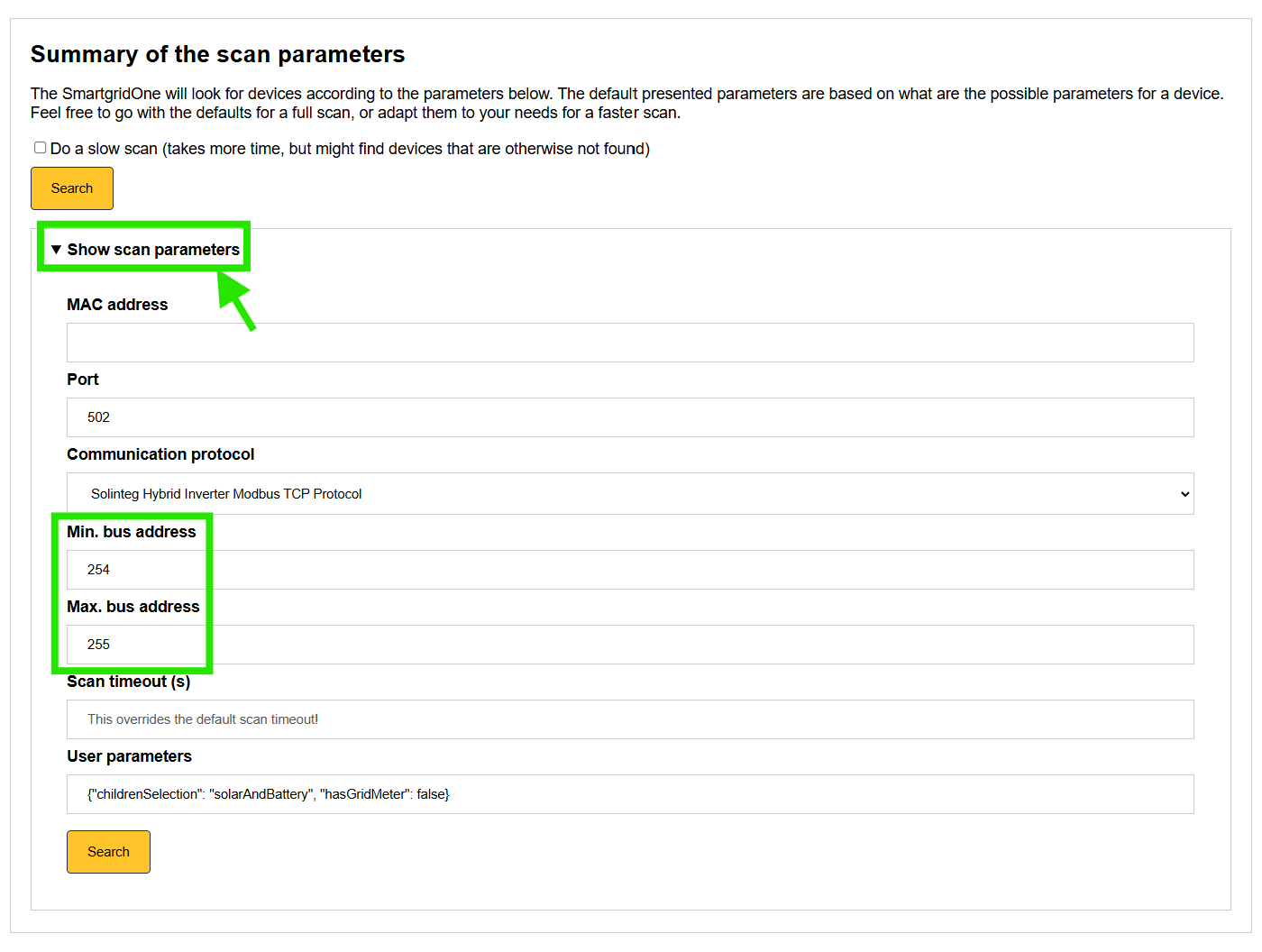
If you know the bus address of your Solinteg inverter, you can set it in the SmartgridOne Controller to speed up the scanning process. The example below is for a Solinteg connected using Modbus TCP with bus address 255. By changing the min. bus address to 254, we tell the SmartgridOne Controller to only scan for devices on bus addresses 254 and 255 and to skip the other addresses.
Note when having two or more Solinteg inverters
If you have multiple Solinteg inverters, be aware that:
- No master-slave configuration is supported. Each inverter must be connected individually to the SmartgridOne Controller. Any master-slave configuration should be disabled on the inverters.
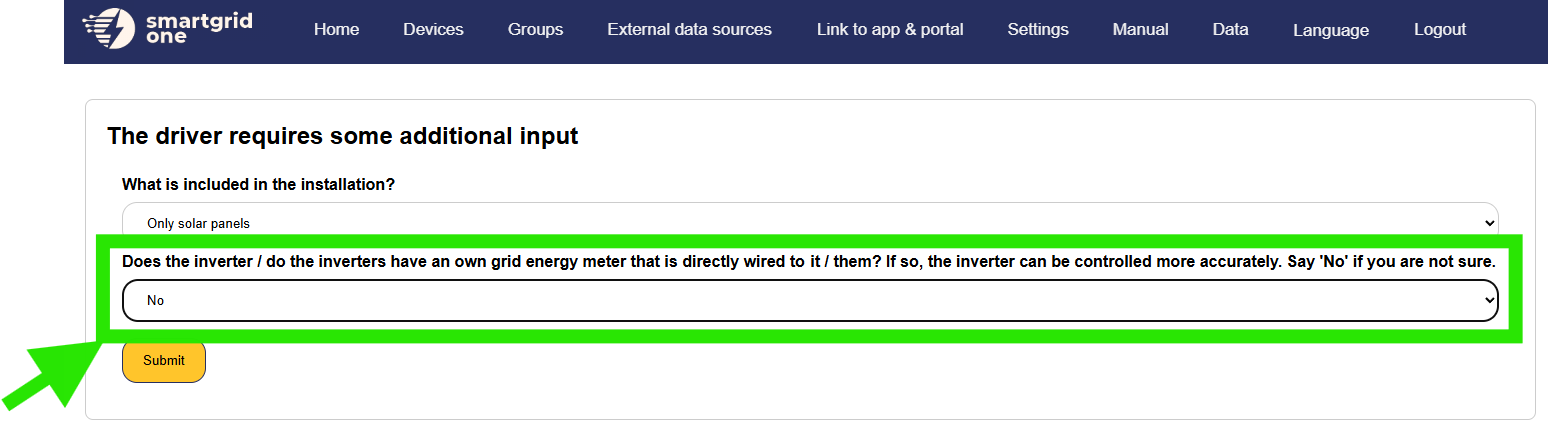
- The Solinteg grid meter is not supported when having multiple Solinteg inverters. When importing a Solinteg, use the following setting:
Use a dedicated meter for grid measurements on the SmartgridOne Controller, that is not affiliated with any of the Solinteg inverters.