

Pylontech battery systems
The SmartgridOne Controller supports Pylontech containerized systems via the L-EMS protocol over Modbus TCP.
Supported Devices
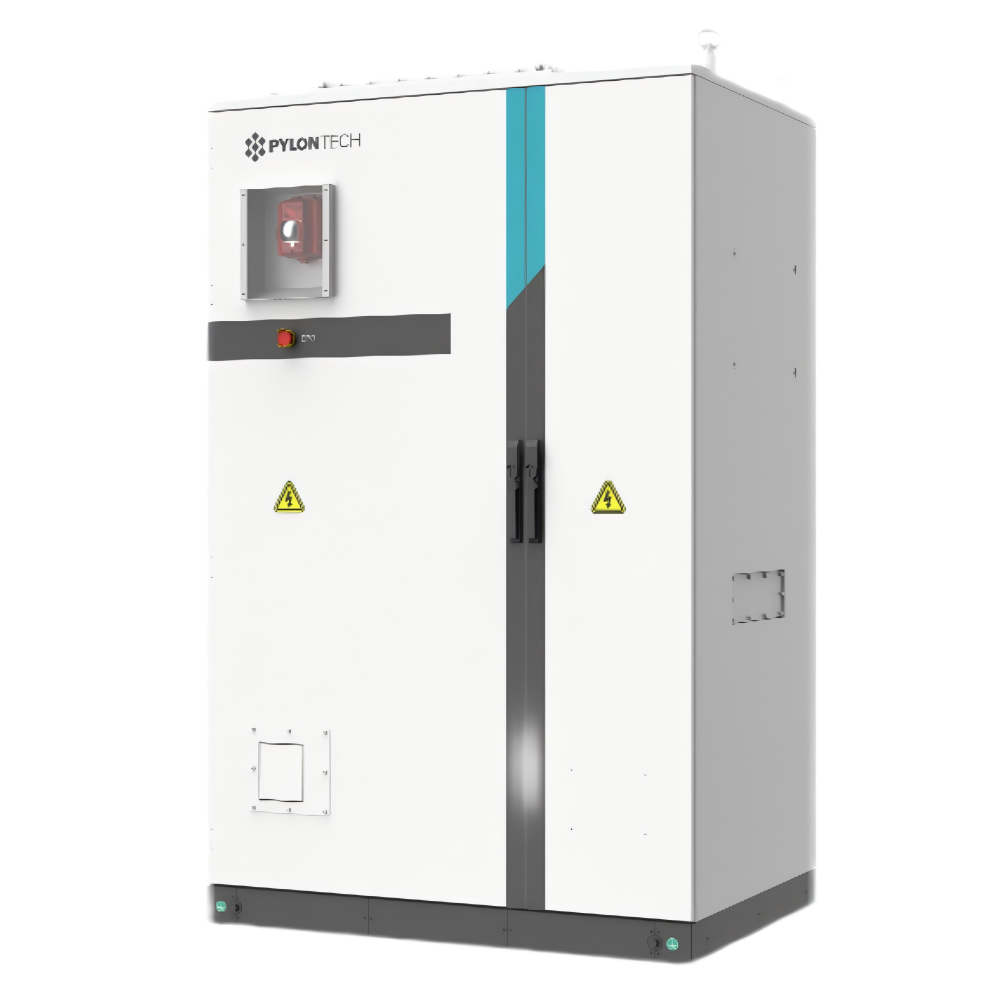
| Device Type | Modbus TCP (Ethernet) | RS485 |
|---|---|---|
| C&I OPTIM US A100-HY via L-EMS | ✅ | ❌ |
| C&I OPTIM US L417-BAT via L-EMS | ||
| C&I OPTIM US A300-HY via L-EMS | ||
| C&I OPTIM US A329-BAT via L-EMS | ||
| C&I OPTIM US L260-OMNI via L-EMS | ||
| C&I Container A1000-OMNI via L-EMS | ||
| C&I Container L5000-BAT via L-EMS | ||
| C&I Container A2000-OMNI via L-EMS | ||
| C&I Container L2200-OMNI via L-EMS | ||
| C&I Container-connected grid meter |
Note
Note
The Pylontech integration currently only supports communication via Modbus TCP using the L-EMS protocol. This protocol is available on Pylontech devices with a 'recent' firmware version. Please refer to the Pylontech support or documentation to check if your device supports the L-EMS protocol.
Configuration
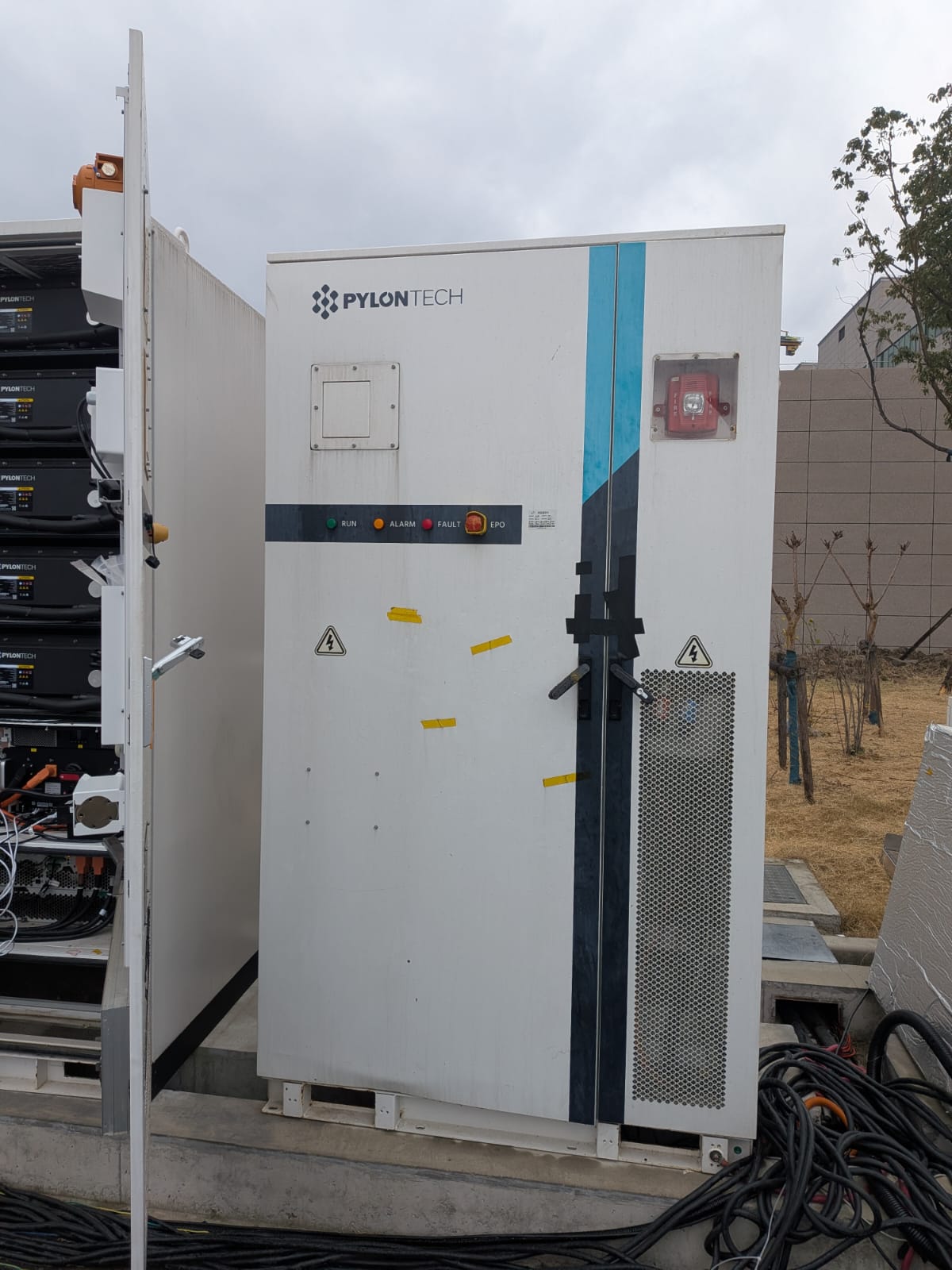
- Open the front panel of the cabinet:
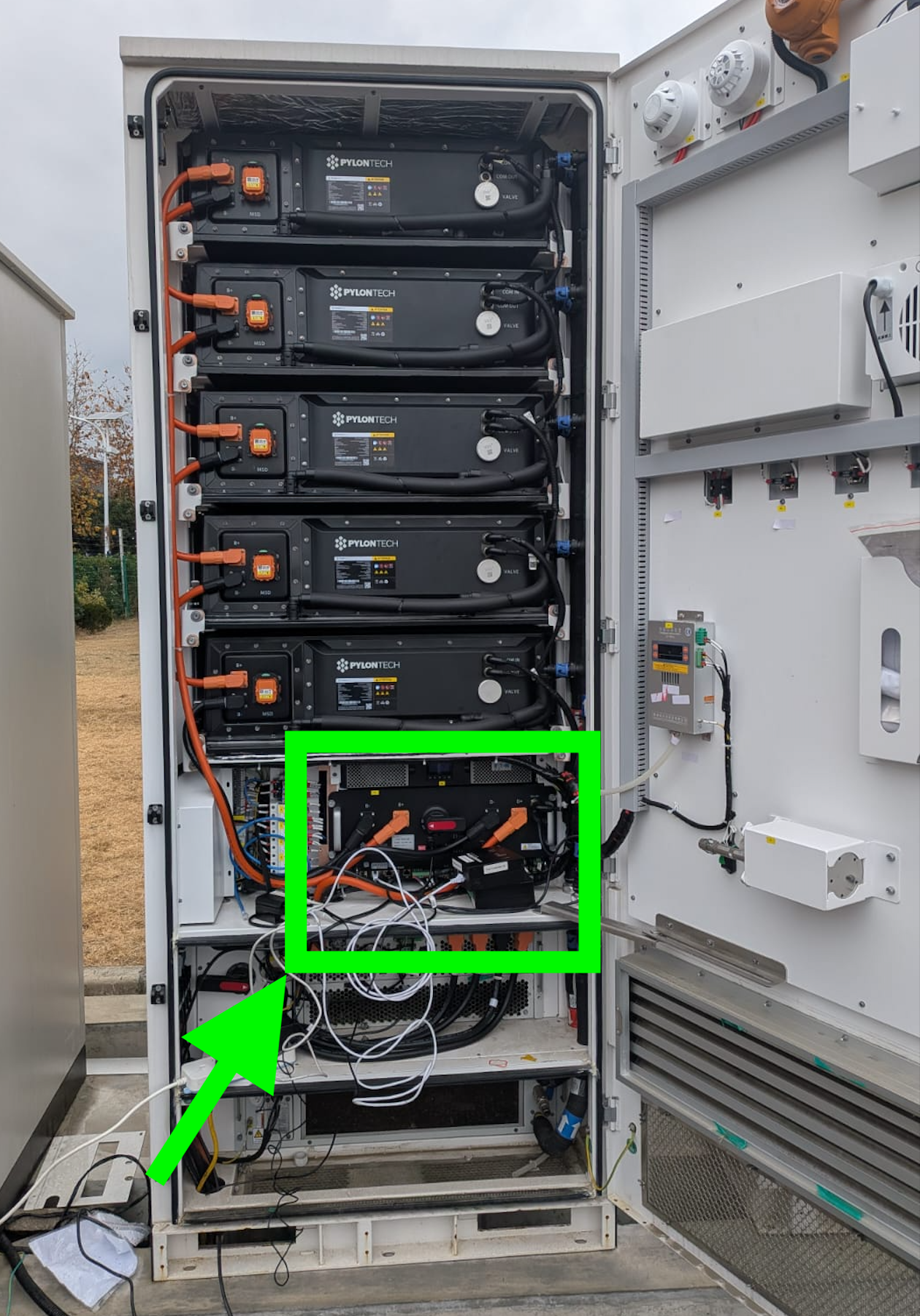
- Focus on the market area in the picture below:
- Connect
LAN2with a RJ45 cable to a network switch exposed to the internet.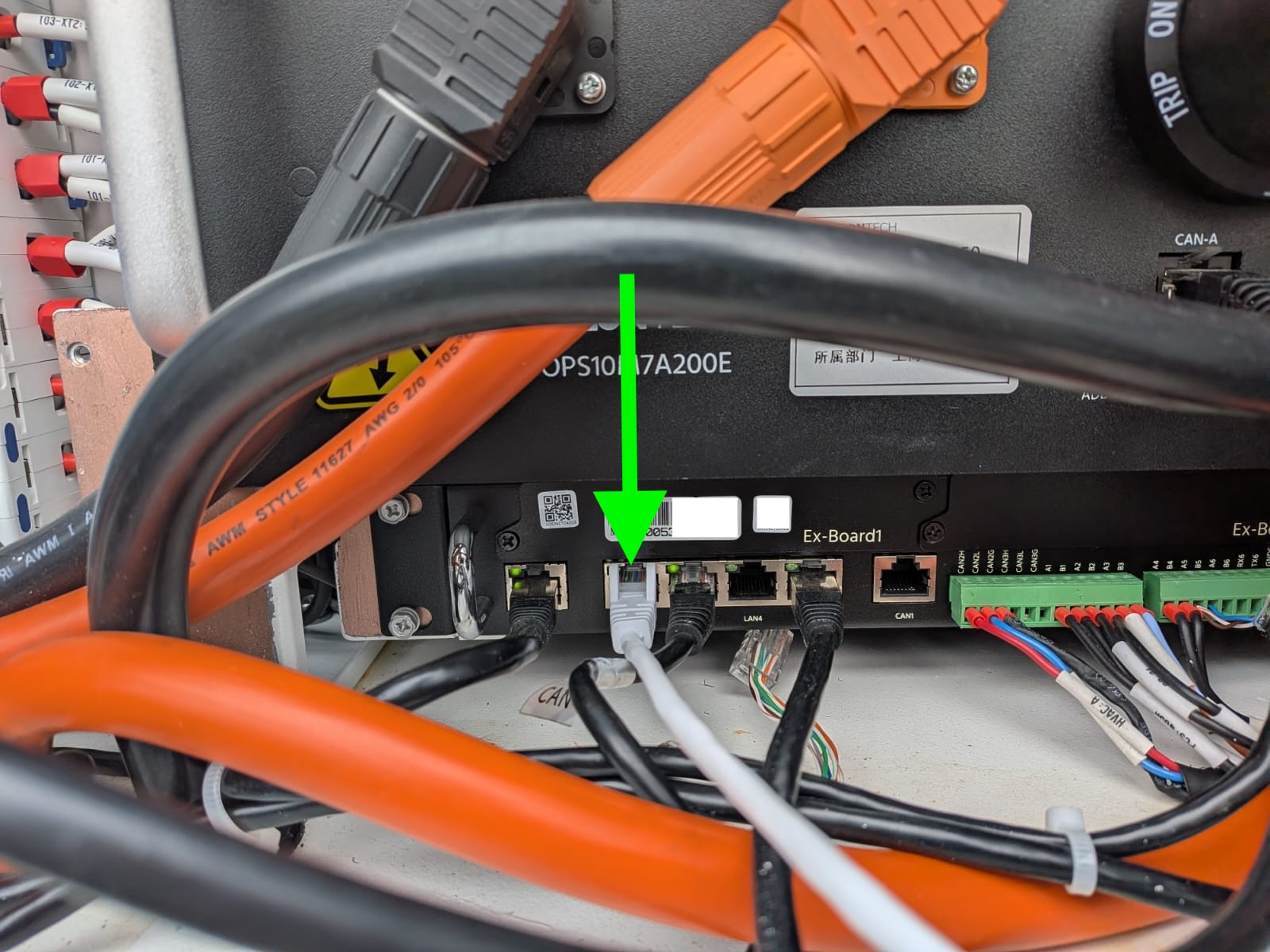
- (Optional, but recommended): Connect a grid meter to the Pylontech. This allows the SmartgridOne Controller to do an improved, more accurate, self-consumption on this device. This should be connected to meter input 2.
- Inside the Pylontech web interface, check for the following:
- If it can be reached and the system is healthy.
- IMPORTANT: That the fallback mode is set to self-consumption.
- The Pylontech is now ready to be controlled via the SmartgridOne Controller.
Last updated January 6, 2026Edit this page