SmartgridOne logo
SmartgridOne logo
Accessories
AppCertificates
Configuration from A to Z
Control response timeController
Customer Specific
Devices
Boiler
Cloud
Energy Meter
Ev Charging Station
Gas Meter
Heat Pump
New integrations
Plc
Pv Hybrid And Battery Inverters
a-TroniXABB, FIMERADS-TecAforeAlphaESSAmpowrAngileAnklous PV, Hybrid and Battery InvertersAPsystemsAteps Battery
Autarco
BeauventC-BatteryCellpowerChisageDanfossDeltaDET Power PV, Hybrid and Battery InvertersDEYEDiehl-AkoDMEGC InvertersDynessDysun EnergyEcosourcenEenovanceElecnovaEnbrilionEnergreenEnerlutionEnjoyPowersEnphaseEP EquipmentESY InvertersEVEFortona
Foxess
FraxFroniusGoodWeGotionGreener / Alfen
Growatt
HiteHithium
Huawei
Hypontech
Hyxipower
iWellJinkoKacoKehuaKostal
Kstar
KSTAR BluE-S Series (Gen 1)KSTAR BlueSpark Series (Gen 2)KSTAR C&I Hybrid Inverters
MarstekMastervoltMidTeQMotomaOctave EnergyOmniPowerPixiiPower-SonicPoweroadPylontechRefurbRegitecRenonRitarSAJSchneider SunEzySchucoSCUSE2200H till SE6000HSessySigenergySinexcel
Sma
Socomec
Sofar
Solaredge
SolarlogSolarMaxSolarwattSolaxSolinteg
Solis
Solplanet
Sungrow
SunwaytechSunwoda
Sunwoda
Sus-PowerTeclomanTeploreTesvoltVaconVictronVolstoraWattsNextWeihengXantrexZendure SolarFlowZetaraZeversolar
Switched Loads
Water Meter
External Signals
InstallationLicenseNetworkQuick StartSafety, maintenance and legal noticesSpecificationsStatus LEDs
Toolbox
Troubleshooting
Video tutorialsWiring & connectivity guidelines
DevicesPv Hybrid And Battery InvertersKstar
logo

KSTAR C&I Hybrid Inverters

Supported Devices

Device TypeVariantsModbus TCP (Ethernet)RS485CurtailmentMinimum device firmware version
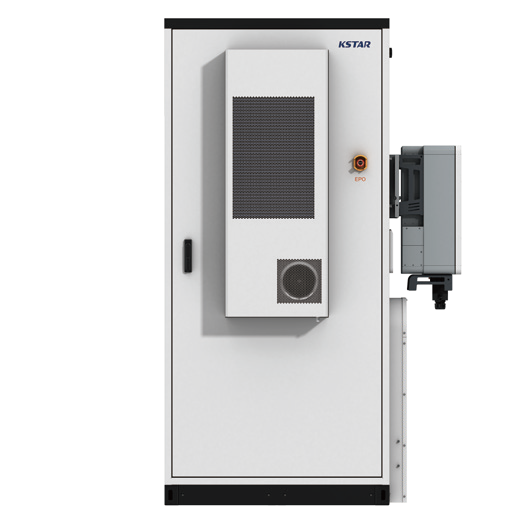
BluePulse Hybrid InverterKAC50DP-BC100DE✅✅✅V000B060D000
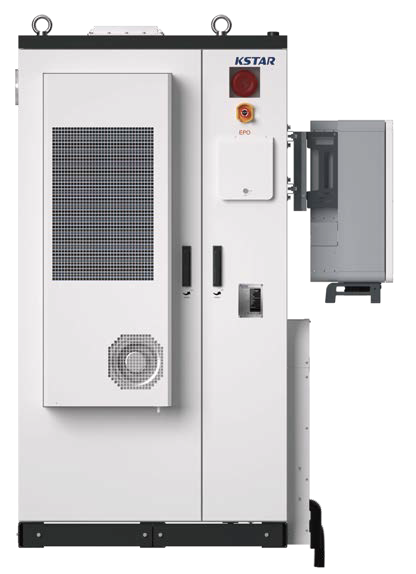
KAC50DP-BC107DE / KAC50DP-BC107DE2
KAC50DP-BC197DE / KAC50DP-BC197DE2
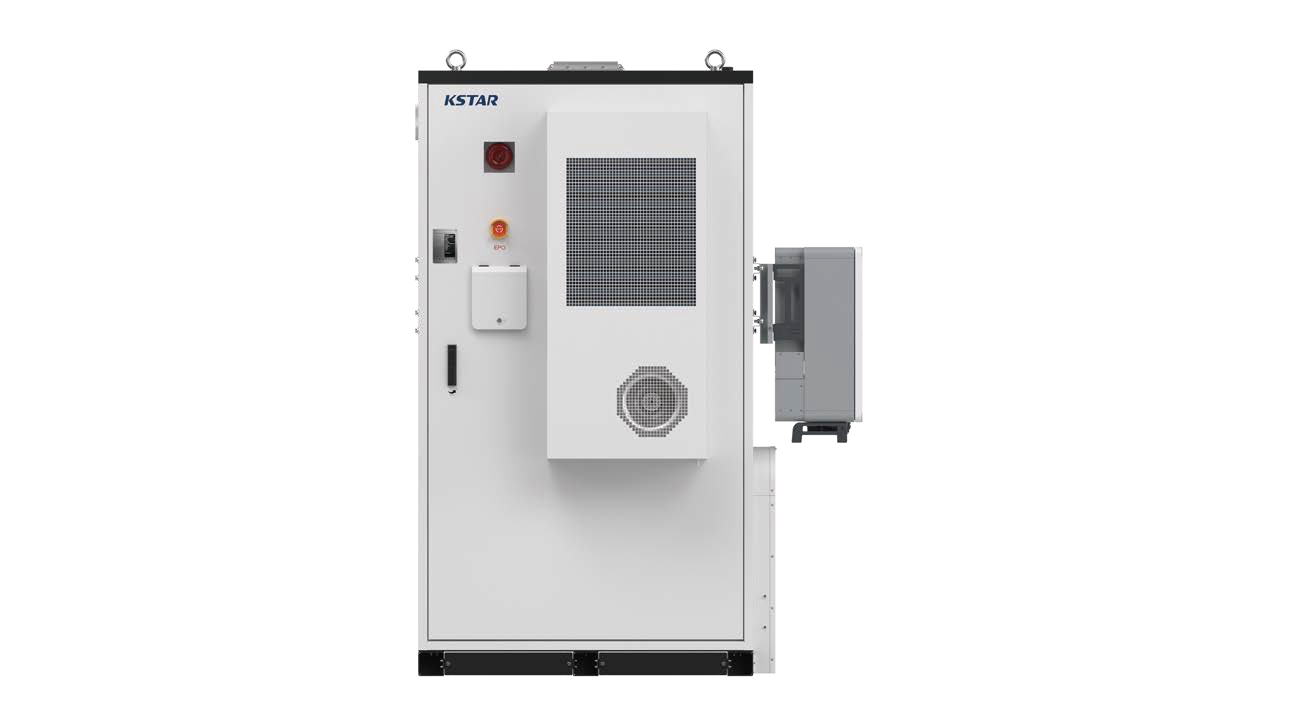
BC100DE battery cabinet
BC70DE2/BC89DE2/BC107DE2 battery cabinet
BC197DE2/BC215DE2/BC233DE2 battery cabinet

Wiring

The SmartgridOne Controller and the KSTAR inverters communicate via Ethernet or RS485.

Ethernet
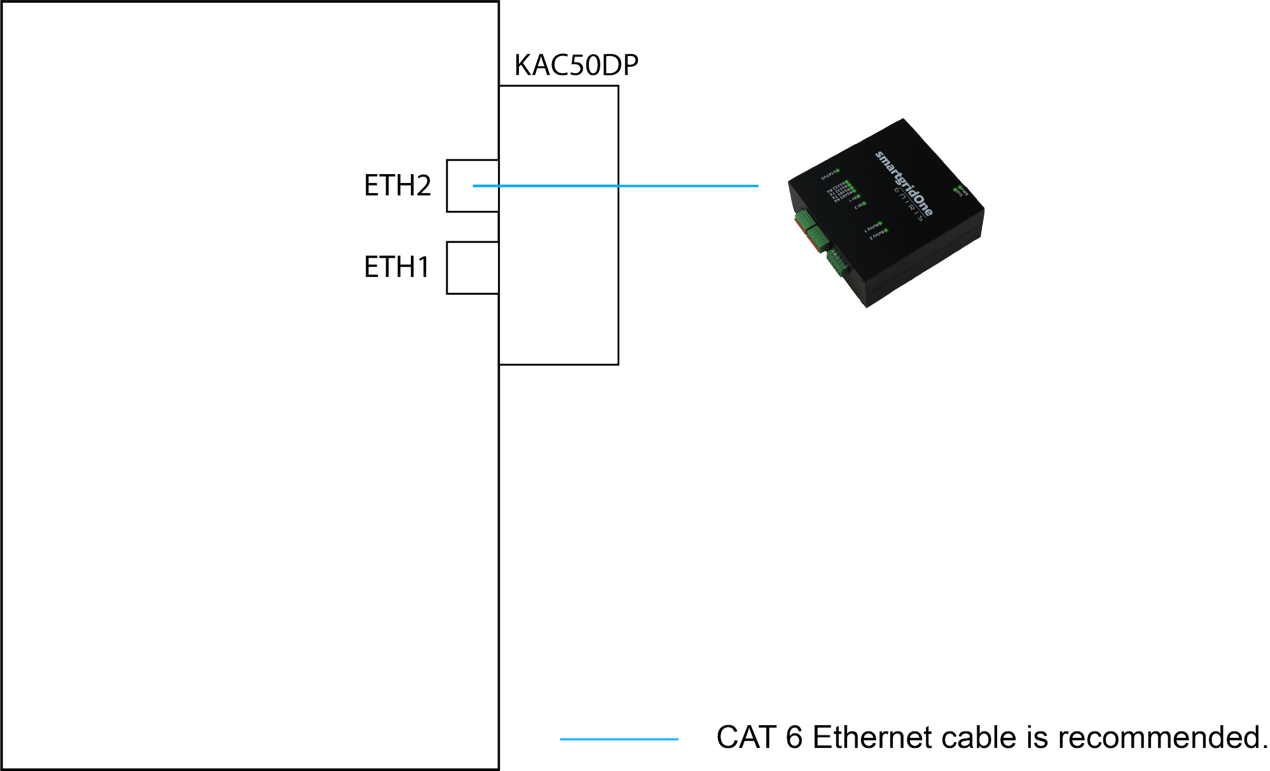
TCP connection diagram

For correct ethernet wiring: Follow the the guidelines for ethernet wiring.

RS485
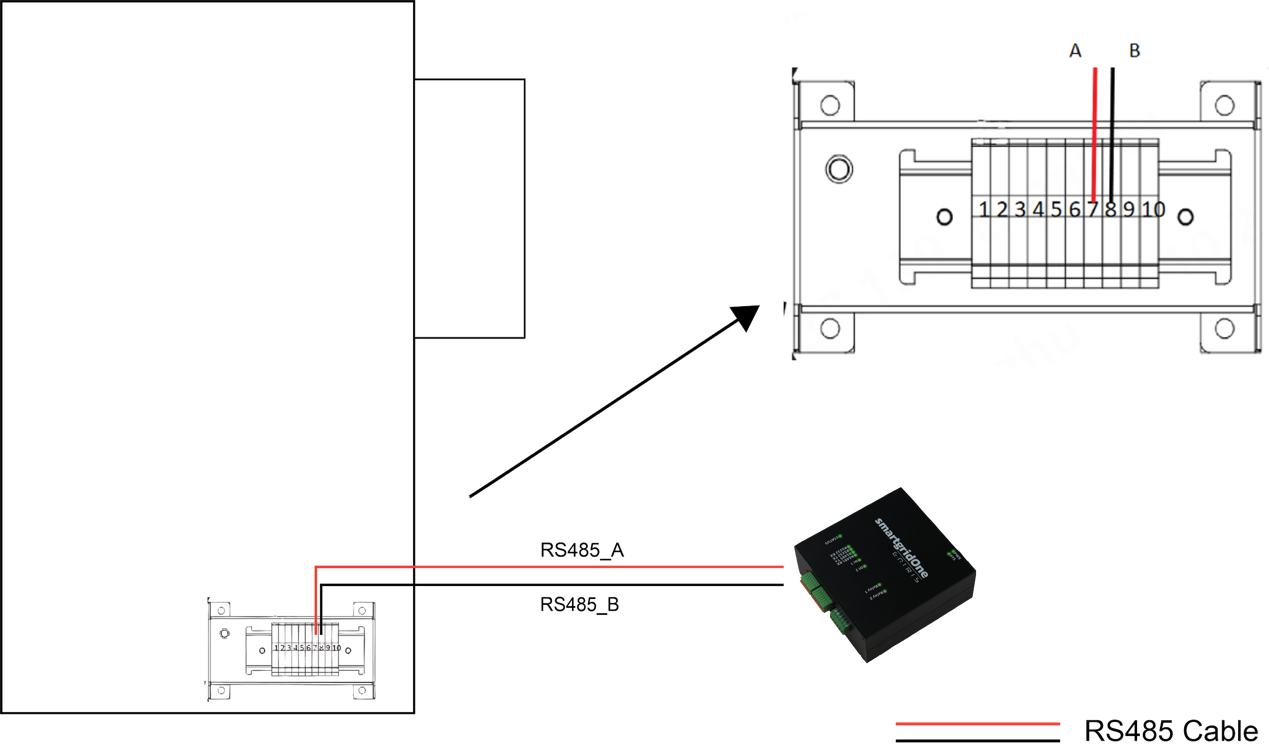
RS485 connection diagram

Configuration

Warning
NOTE: RS485 Device Addresses
  • You MUST give each device on the RS485 bus a unique address. Check the manual of the device on how to do this.
  • Use lower addresses first (1, 2, ...) because the SmartgridOne Controller will find them faster!
  • For each device, it is generally recommended to stick with the factory default baud rate, parity, and stop bits. The SmartgridOne Controller will scan on those first.

KSTAR BlueSpark Series (Gen 2)

Previous Page

Marstek

Next Page

On this page

KSTAR C&I Hybrid InvertersSupported DevicesWiringEthernetRS485Configuration