
SmartgridOne logo
SmartgridOne logo
Quick StartInstallationNetworkWiring & connectivity guidelinesApp
1. Link to your account2. Accessing commissioning interface3. Grid limits4. Location / address5. Add grid energy meter6. Add other devices7. Grouping devices
9. PV panel configuration10. External control signals
Adding a deviceAdvanced settingsBackupEnergy storage and EVsBattery maintenance chargeData usageDC-Linking Inverters and BatteriesDirect relay or switch controlEnergy CostsPhase imbalance correctionPredictionsPrioritiesRescale energy meter readingsFactory resetReverse energy meter readingsTesting and manual overrideUser managementConfiguring a fixed IP address in Windows
SpecificationsStatus LEDsControl response timeVideo tutorialsCertificatesLicenseSafety, maintenance and legal notices
Configuration from A to Z11 Extra Information

Backup

Making a backup

You can make a backup of the settings of the SmartgridOne Controller through the commissioning interface, from the settings tab. Scroll down to "Backup settings", and click "Backup".
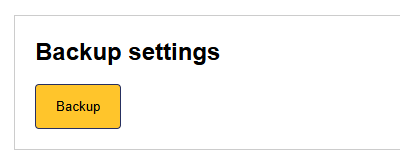
Image 1

Restoring a backup

You can restore a backup of the settings of the SmartgridOne Controller through the commissioning interface, from the settings tab. Scroll down to "Restore backup", upload your backup file, and click "Restore".
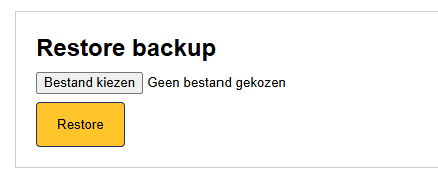
Image 1

Advanced settings

Previous Page

Energy storage and EVs

Next Page

On this page

BackupMaking a backupRestoring a backup