
Phoenix-Contact Energy Meters

Supported Devices
| Device Type | Modbus TCP (Ethernet) | RS485 |
|---|---|---|
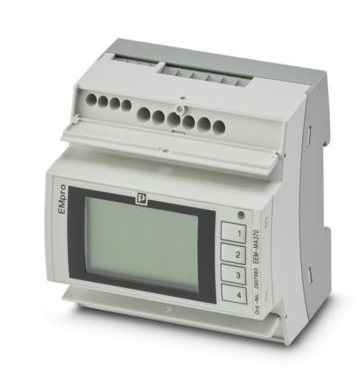
| Phoenix-Contact EEM-MA370 | ✅ | ❌ |
| Phoenix-Contact EEM-MA371 | ||
| Phoenix-Contact EEM-EM375 | ||
| Phoenix-Contact EEM-EM377 |
Wiring
For correct ethernet wiring: Follow the the guidelines for ethernet wiring.
Configuration
EEM-MA370 / EEM-MA371
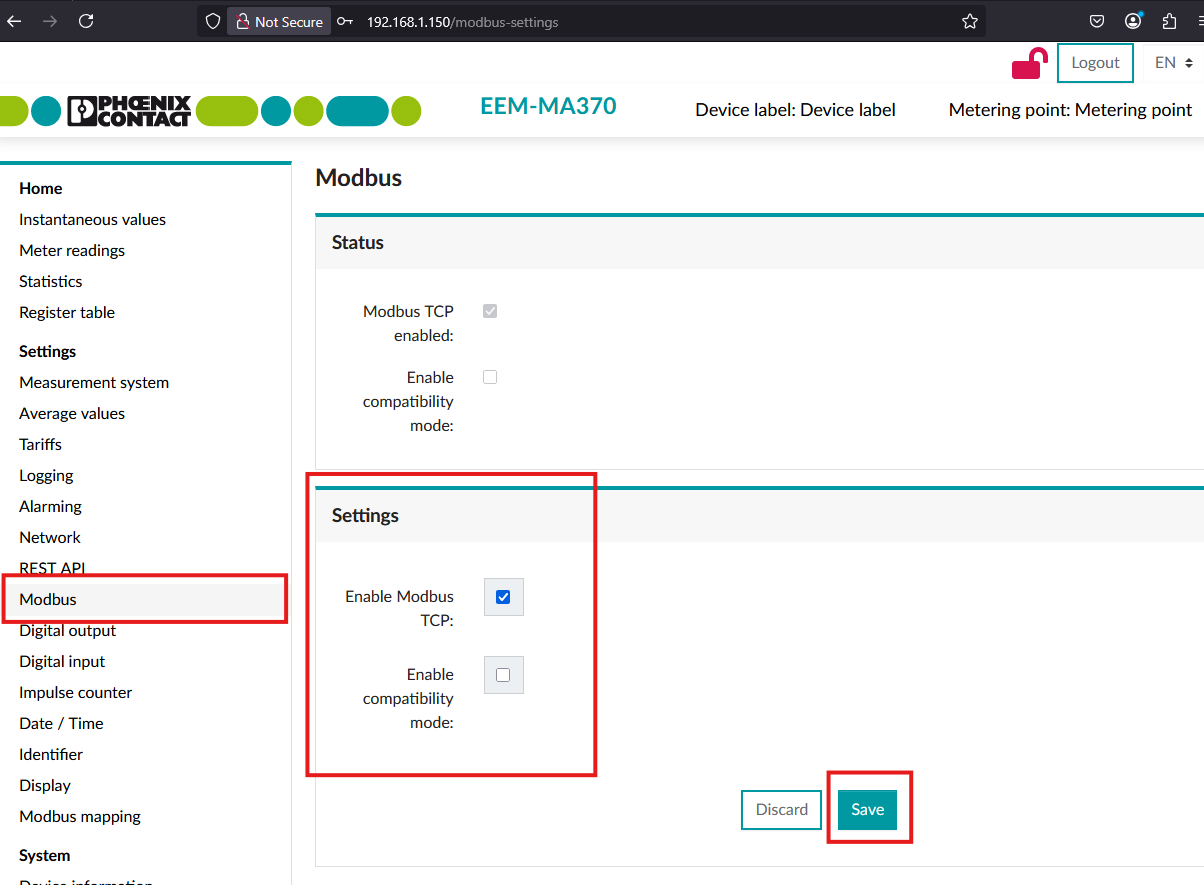
In the interface of the meter, set the Modbus settings as indicated in the screenshot.
- Modbus TCP should be enabled
- Compatibility mode should be disabled
View the device manual for more information on configuration.
EEM-EM375 / EEM-EM377
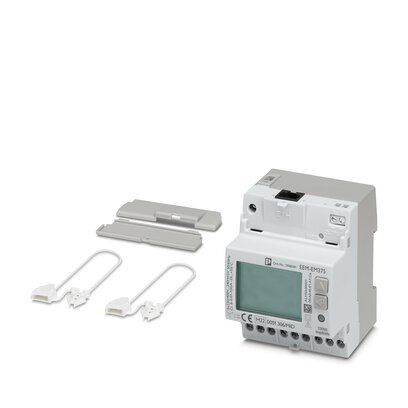
The EEM-EM375 and EEM-EM377 are three-phase MID-certified energy meters with an Ethernet interface. The EEM-EM375 measures through current transformers (1 A / 5 A secondary), the EEM-EM377 measures directly (up to 80 A). The Controller communicates with them over Modbus TCP on port 502.
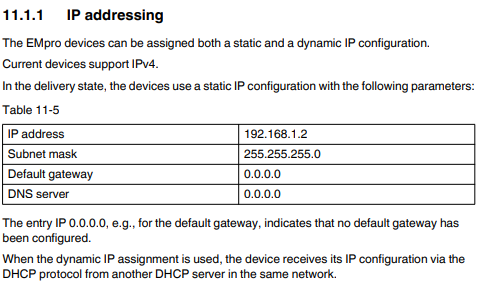
- Configure the network settings (IP address / DHCP), and on the EEM-EM375 the current transformer ratio, through the meter's integrated web server.
- Make sure the meter is reachable from the Controller over the local network.
The other meters of the EEM-EM/DM3xx family are not supported: the EEM-EM355, EEM-EM357, EEM-DM357 and EEM-DM357-70 only have an RS-485 (Modbus RTU) interface, and the EEM-EM325 and EEM-EM327 only have an M-Bus interface.
View the device manual for more information on configuration.