
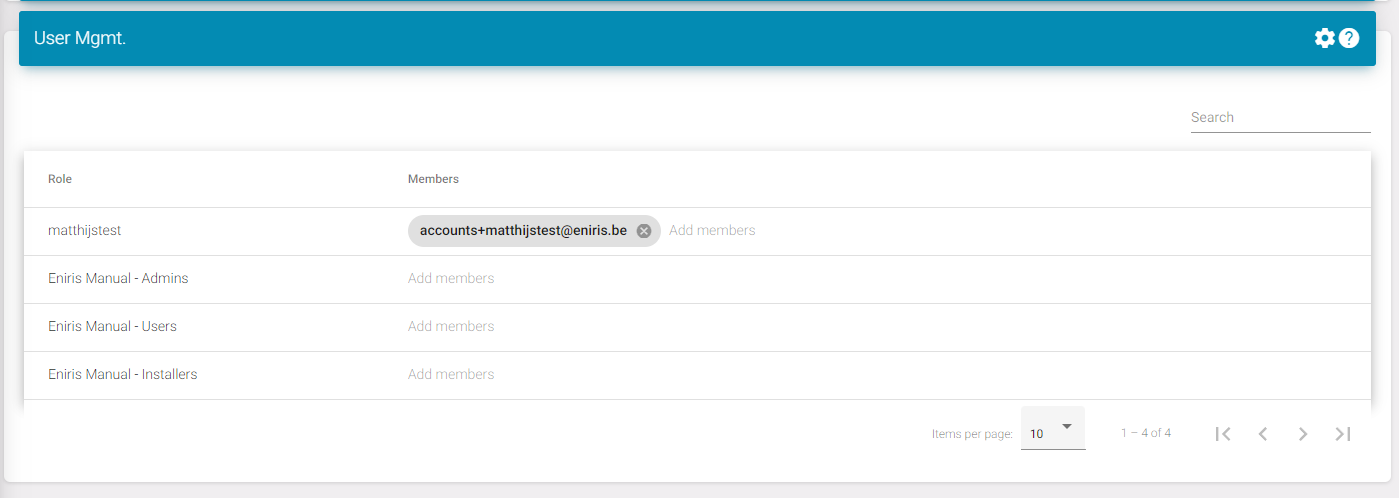
This page is used to manage your users.
This example is very simple since we only have 1 building.
Here are the possible options:
Superadmin: This is the role that usually has the name of your company without anything next to it. As you can see in the screenshot here it's 'matthijstest'.
Superadmins can edit everything and see every building.
Admins: These have a little bit less rights then superadmins in global settings. They can only see the building they're assigned for. You can assign someone to multiple buildings.
Installers: These are like admins only they can not generate reports or do alarm management.
Users: These can only see their dashboard. They can not edit anything.
Last updated March 11, 2026Edit this page